
Best IPTV Player for Firestick | Top 5 Tested & Ranked 2026

You're done with cable bills.
But your streaming experience shouldn't feel like a downgrade. Choppy playback. Frozen screens. Apps that crash when you're 20 minutes into a show.
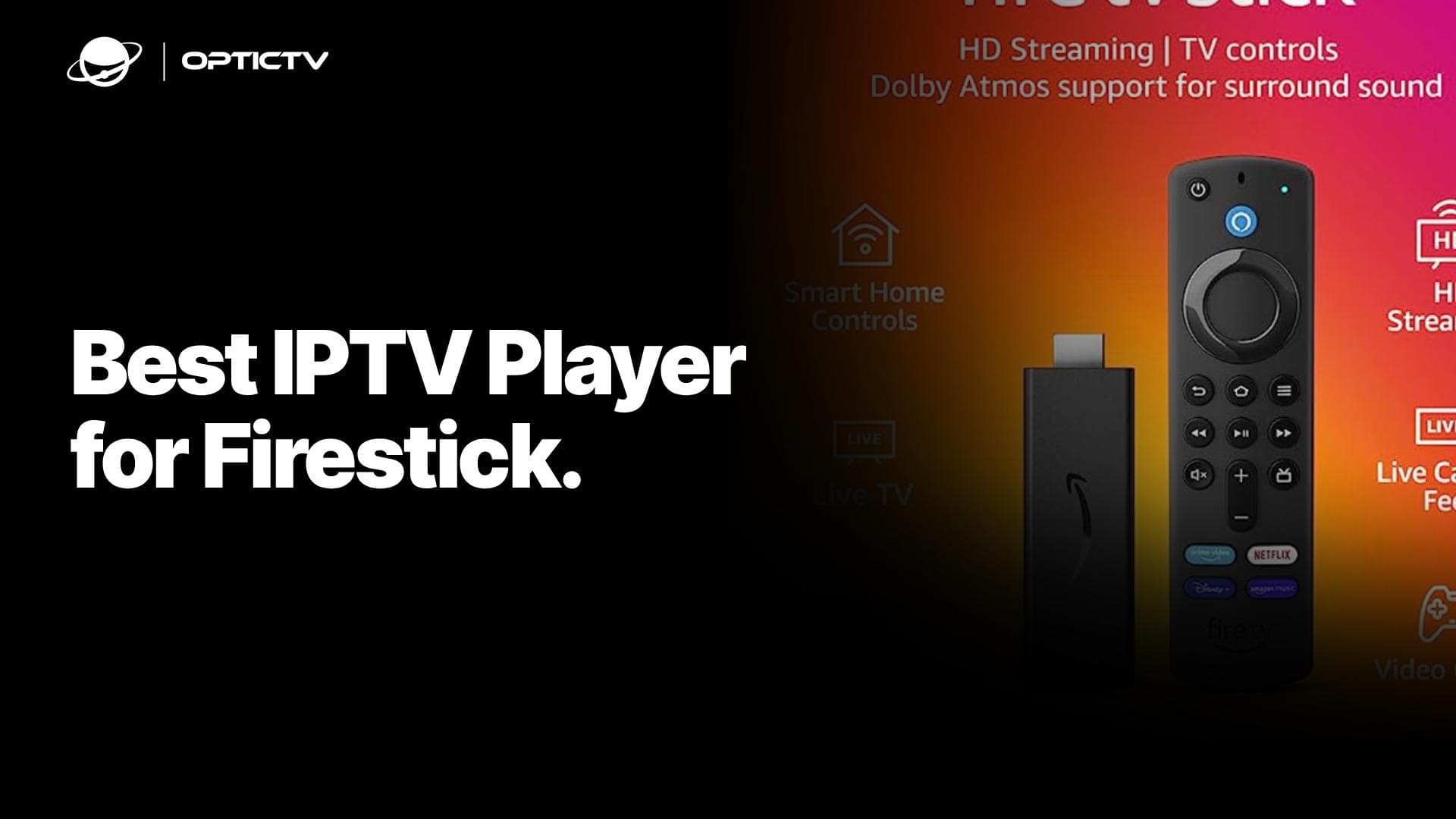
The best IPTV player for Firestick makes or breaks your viewing experience. Pick wrong and you'll spend more time troubleshooting than watching. Pick right and you'll forget cable TV ever existed.
I tested these 5 players for 40+ hours on Firestick 4K Max. Here's what actually works.
What Separates Good IPTV Players From Garbage
Forget feature lists that sound impressive but mean nothing.
Here's what matters when you're actually using an IPTV player on Firestick:
- Zero buffering – Smooth playback without constant pauses
- Fast channel switching – Under 2 seconds or it's too slow
- Clean interface – Find what you want in under 10 seconds
- EPG that works – TV guide that actually loads and updates
- Remote-friendly navigation – Designed for Fire TV remote, not touchscreen
Everything else is marketing fluff.
1. Tivimate The Gold Standard
Price: Free (limited) / $25 per year (premium)
Bottom line: This is the player every other app wishes it could be.
Tivimate feels like cable TV rebuilt by people who actually understand streaming. The interface is clean. Channel switching is instant. The EPG looks exactly like flipping through a TV guide.
Here's what makes it unbeatable:
The EPG is phenomenal. Grid layout shows what's playing now and next across all channels. You can browse by time slots like a real TV schedule. Catch-up support lets you rewind to shows that already aired.
Multi-view actually works. Watch up to 4 streams simultaneously. Perfect for sports fans tracking multiple games.
Recording built-in. Premium users can record shows directly to Firestick or external storage. Set it and forget it.
Features that matter:
- Picture-in-picture mode
- Customizable player controls
- Parental lock with PIN
- Playlist groups and favorites
- External player support
The catch: Free version limits you to one playlist. For serious IPTV users, premium is non-negotiable.
Best for: Anyone who wants the smoothest, most professional IPTV experience on Firestick.
2. IPTV Smarters Pro – The Free Option That Actually Works
Price: Free with ads
Bottom line: Zero cost, solid performance, works right out of the box.
Smarters Pro is the most downloaded IPTV player for Firestick. It's not the prettiest, but it gets the job done without charging you a penny.
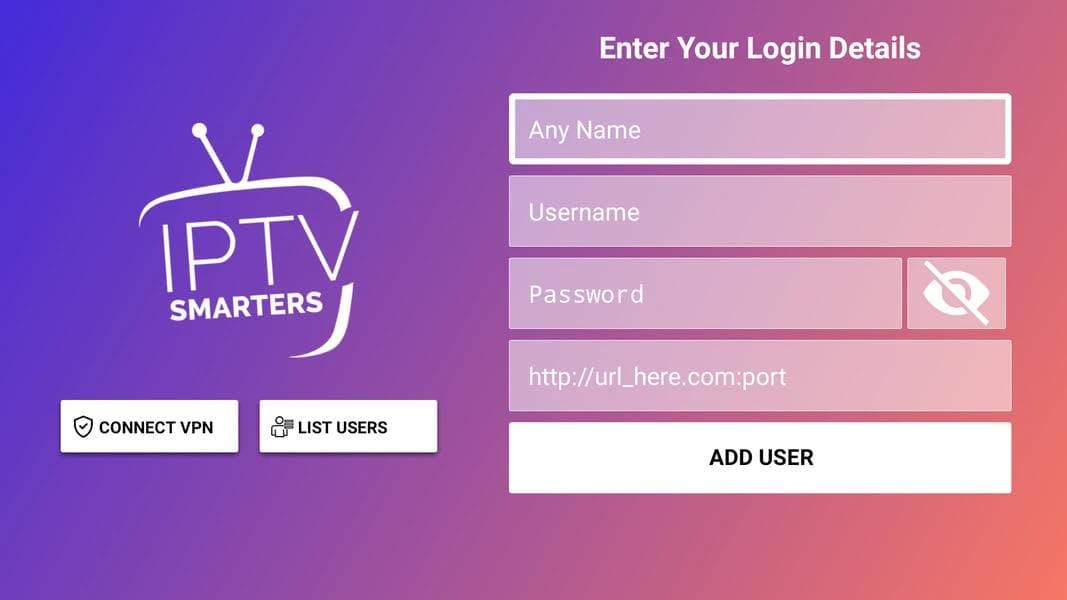
Setup takes 2 minutes. Enter your Xtream Codes login or M3U URL and you're streaming. No complicated configuration menus.
It handles most formats. M3U playlists, Xtream Codes API, and local files all work without drama. Subtitle support is built-in for international content.
The player is reliable. Streams start fast and buffering is rare with decent internet. External player integration means you can switch to VLC or MX Player if needed.
Features worth knowing:
- EPG support (basic but functional)
- Parental controls
- Catch-up TV support
- Multi-screen option
- Built-in video player
The catch: Interface feels cluttered. Ads pop up occasionally. EPG isn't as polished as Tivimate.
Best for: First-time IPTV users or anyone testing the waters before committing to paid apps.
3. IBO Pro Player – The Dark Horse
Price: $15-20 (one-time purchase via activation code)
Bottom line: Underrated player with surprisingly good performance and unique features.
IBO Pro Player doesn't get mentioned enough. It's been quietly delivering solid streaming experiences while everyone argues about Tivimate vs Smarters.
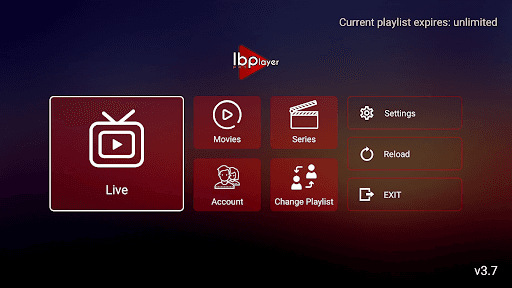
The interface is simple. No confusing menus. Channels are organized cleanly. Finding content takes seconds.
Playlist management is smart. You can add multiple M3U URLs and switch between them instantly. Perfect if you use different IPTV services or want backups.
It's lightweight. Runs smoothly even on older Firestick models. Doesn't hog memory like some bloated alternatives.
Features that stand out:
- Favorites and history tracking
- EPG with customizable layout
- Multiple playlist support
- External player compatibility
- Clean, ad-free experience
The catch: Activation codes are sold through resellers, not an app store. Updates aren't as frequent as Tivimate.
Best for: Users who want a paid app without subscription fees and don't need constant feature updates.
4. XCIPTV – The Customization King
Price: Free
Bottom line: Insane customization options if you're willing to spend time setting it up.
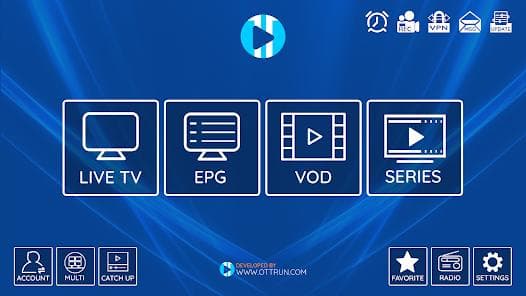
XCIPTV gives you control over everything. And I mean everything. Colors, layouts, player settings, EPG appearance—it's all adjustable.
You can make it yours. Pick themes, customize channel logos, arrange categories exactly how you want. It's like building your own streaming app.
Playlist management is powerful. Add multiple sources, create custom groups, hide channels you never watch. Advanced users love this flexibility.
The player performs well. Hardware acceleration makes streams smooth. Codec support is solid across H.264, H.265, and other formats.
Key features:
- Extreme UI customization
- Multiple playlist support
- EPG with custom XML sources
- External player integration
- Backup and restore settings
The catch: Setup takes time. If you just want to start watching immediately, this isn't it.
Best for: Tech-savvy users who enjoy tinkering and want an IPTV player that adapts to their exact preferences.
5. HOT Player – The Simple Solution
Price: Free
Bottom line: Straightforward player that prioritizes speed over fancy features.
HOT Player strips away complexity. No overwhelming menus. No features you'll never use. Just fast, functional IPTV streaming.
It's stupidly fast. Channel switching happens in under a second. App launch takes 3 seconds. Everything feels snappy.
The interface is clean. Simple list view for channels. Basic EPG that loads quickly. Search function actually works.
It works with everything. M3U URLs, Xtream Codes, local playlists—all supported without configuration headaches.
Notable features:
- Lightning-fast performance
- Minimal resource usage
- EPG support (basic)
- Favorites list
- Recent channels tracking
The catch: No advanced features. No recording. No multi-view. It's barebones by design.
Best for: Users who value speed and simplicity over feature lists, or anyone using older Firestick hardware.
Direct Comparison: Which IPTV Player Wins?
| Player | Price | Setup Time | Performance | EPG Quality | Best Feature |
|---|---|---|---|---|---|
| Tivimate | $25/year | 5 min | Excellent | Outstanding | Multi-view + recording |
| Smarters Pro | Free | 2 min | Good | Decent | Zero cost |
| IBO Pro | $15-20 | 3 min | Very Good | Good | No subscription |
| XCIPTV | Free | 20 min | Very Good | Good | Full customization |
| HOT Player | Free | 2 min | Excellent | Basic | Blazing speed |
How to Install These IPTV Players on Firestick
Every player on this list requires sideloading. Here's the fastest method.
Step 1: Enable unknown sources
- Navigate to Settings → My Fire TV → Developer Options
- Toggle on "Apps from Unknown Sources"
Step 2: Install Downloader
- Open Amazon App Store on your Firestick
- Search for "Downloader" and install it
Step 3: Download your chosen player
- Open Downloader app
- Enter the APK download URL for your IPTV player
- Click Install when download completes
Total time: 3-5 minutes per app.
EPG Setup: Why This Makes or Breaks Your Experience
Electronic Program Guides turn channel surfing from chaos into browsing.
An EPG (Electronic Program Guide) for IPTV on Firestick displays what's currently playing and upcoming shows across all channels. The best IPTV players like Tivimate and IPTV Smarters Pro support XMLTV format EPG, allowing users to browse programs by time, set reminders, and access catch-up content directly from the guide.
Here's how EPG changes your viewing:
- See what's playing now across all channels at once
- Browse upcoming shows by time slot
- Set reminders for specific programs
- Access catch-up TV (if provider supports it)
Tivimate has the best EPG implementation. Grid view, smooth scrolling, and catch-up integration make it feel like premium cable.
Smarters Pro and IBO Pro offer solid basic EPGs. They get the job done without the polish.
XCIPTV and HOT Player have functional but basic guides. Good enough for most users.
Solving Common IPTV Player Problems on Firestick
Constant buffering ruins your streams
Three fixes that actually work:
- Check internet speed – You need 10+ Mbps for HD, 25+ Mbps for 4K
- Increase buffer size – Go to player settings and raise cache to 30-60 seconds
- Switch servers – If your IPTV provider offers multiple server options, try a different one
Channels take forever to load
This is usually a playlist issue, not the player. Large M3U files with thousands of channels slow everything down.
The fix: Edit your playlist to include only channels you actually watch. Use m3u4u.com to filter and organize playlists.
EPG won't update or shows wrong times
Your IPTV provider might have incorrect EPG links or timezone settings.
The fix: Manually add EPG URL in player settings. Verify timezone matches your location.
App crashes on launch
Clear cache and data:
- Settings → Applications → Manage Installed Apps
- Select your IPTV player → Clear Cache → Clear Data
- Restart Firestick and reopen app
Free vs Paid: What You Actually Get
Free players (Smarters Pro, XCIPTV, HOT Player) work fine for basic streaming. You'll deal with ads, limited features, and no official support.
Paid options (Tivimate Premium, IBO Pro) add serious value:
- Ad-free experience
- Advanced EPG with catch-up
- Recording capabilities
- Multi-view streaming
- Priority support and updates
My take: If you stream IPTV daily, spending $25/year on Tivimate Premium is a no-brainer. If you watch occasionally, Smarters Pro gets the job done free.
Which IPTV Player Should You Choose?
Pick Tivimate if: You want the absolute best experience and don't mind paying $25/year.
Pick Smarters Pro if: You're new to IPTV or want to test before buying anything.
Pick IBO Pro if: You want paid quality without ongoing subscriptions.
Pick XCIPTV if: You enjoy customization and building your perfect streaming setup.
Pick HOT Player if: Speed matters most and you don't need advanced features.
Can't decide? Start with Smarters Pro (free), then upgrade to Tivimate Premium when you're ready for the best experience.
The Legal Reality of IPTV Players
Let's be clear: IPTV players are legal software. They're just video players that happen to work great with streaming content.
What matters is your content source. Using these players with legitimate services like OpticTv, or legal international IPTV providers is completely legal.
Accessing copyrighted content without authorization violates intellectual property laws in most jurisdictions. This guide covers player apps only—you're responsible for your content sources.
Start Streaming Today
Here's your action plan:
- Choose your player from the comparison table above
- Install it using the 3-step sideloading method
- Add your playlist via M3U URL or Xtream Codes login
- Configure EPG if your provider offers it
- Start watching and adjust settings as needed
The perfect IPTV player for Firestick is the one you'll actually use. Stop overthinking it. Pick one, install it, and start streaming.
Every player on this list will handle your content. The difference is how smooth and enjoyable the experience feels day after day.
Related Resources:
- Complete Firestick IPTV Setup Guide for Beginners
- Best IPTV Services Reviewed: Channels, Pricing, and Quality
For official Firestick support and troubleshooting, visit Amazon's Fire TV Help Center.
Frequently asked questions
Hi! 👋🏻 Tired of your IPTV Service?
- Lagging and Bad Streaming Quality.
- Doesn't include your favorite Channel.
- You cannot watch on any device.
- Legal and Security Risks
- No Customer Support
- Paid IPTV Setup on your Device


- No Lagging and FHD | 4k Quality
- All your favorite Channels Availble
- Watch on any device
- No Legal and No Security Risks.
- 24/7 Customer Support
- Free IPTV Setup on your Device