
IPTV Smarters Failed to Authorize: Fix It in 5 Minutes

You just want to watch your IPTV.
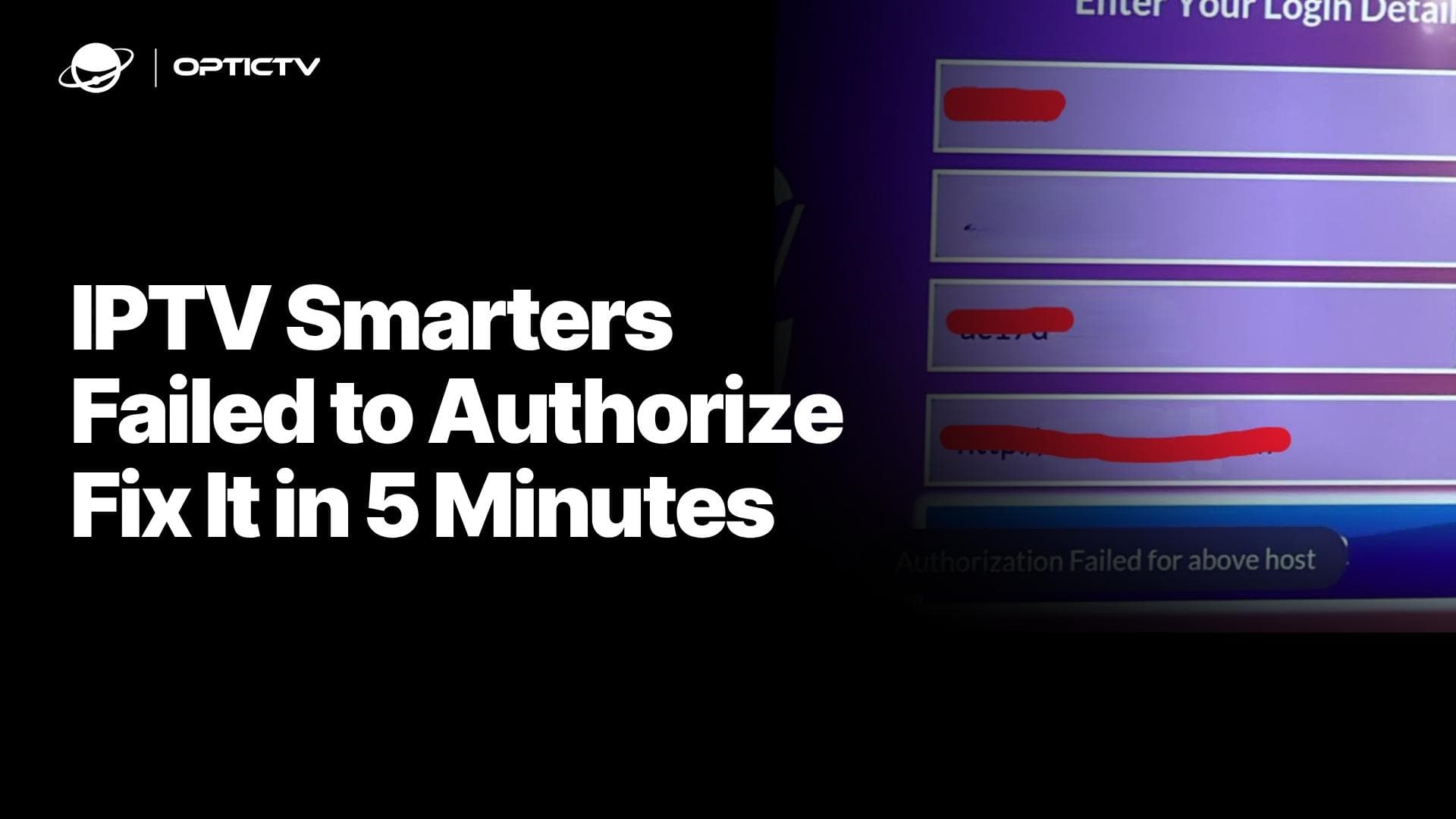
But instead, you're staring at "IPTV Smarters failed to authorize" or "authorization failed for above host."
Annoying. Common. Fixable.
This error hits thousands of users daily. It's not always your fault. Sometimes it's your provider. Sometimes it's a simple setting. Sometimes it's your internet acting up.
Let's fix it.
What Does "IPTV Smarters Failed to Authorize" Actually Mean?
This error pops up when the IPTV Smarters app can't verify your login credentials with your IPTV provider's server.
Think of it like being locked out of your house because the key doesn't match the lock.
The app is trying to connect. Your provider's server is checking your username, password, and server URL. Something's not matching up.
IPTV Smarters authorization failed means the app cannot verify your login credentials with your provider's server. This happens due to incorrect login details, expired subscriptions, server issues, or network problems blocking the connection between the app and IPTV host.
Why Does Authorization Fail for Above Host?
The "authorization failed for above host" message is more specific.
It tells you the exact server (host) that's rejecting your connection.
Here's what causes it:
- Wrong server URL: One character off breaks everything
- Expired subscription: Your IPTV plan ran out
- Provider server down: Not your fault, can't fix it yourself
- Blocked IP address: Your ISP or VPN is causing issues
- Outdated app version: Old code doesn't talk to new servers
How to Fix IPTV Smarters Authorization Failed (Step-by-Step)
Let's walk through solutions that actually work.
Start simple. Move to advanced only if needed.
Check Your Login Credentials
Most authorization failures start here.
Open your IPTV provider's email or dashboard. Compare every character in:
- Username
- Password
- Server URL (including http:// or https://)
Copy-paste them. Don't type manually. One typo kills the connection.
Pro tip: Some providers use "Xtream Codes API" login. Others use "M3U URL" or "Playlist." Make sure you're using the right login type in IPTV Smarters.
Fix URL Formatting Issues
Here's where many users mess up without realizing.
Your server URL might look like: http://providerhost.com
Try these formatting fixes:
- Add port :80 at the end —
http://providerhost.com:80 - Remove the double slashes — Change
http://providerhost.comtohttp:providerhost.com
Different servers expect different formats. Test each variation.
One of these usually works when standard formatting fails.
Verify Your Subscription Status
Your subscription might have expired without you noticing.
Log into your IPTV provider's website or contact their support. Check:
- Expiration date
- Payment status
- Account suspension notices
If expired, renew it. If paid but not working, ask your provider to refresh your account on their end.
Test Your IPTV Provider's Server
Is their server actually online?
Visit DownDetector or check your provider's social media. Other users report outages fast.
You can also try your login on a different device. If it fails there too, it's definitely a provider issue.
Wait it out or contact support.
Update IPTV Smarters to Latest Version
Old app versions create compatibility issues.
Go to Google Play Store, Apple App Store, or IPTV Smarters official site.
Download the latest version. Install it. Try logging in again.
App updates fix bugs and improve server communication protocols.
Switch Networks or Use a VPN
ISPs block IPTV traffic in some regions.
Test this fast: switch from WiFi to mobile data. If it works on mobile data, your ISP is blocking IPTV.
Solution options:
- Use a reliable VPN like NordVPN
- Change your country
- Open your app and login with your details
Contact Your IPTV Provider
If nothing works, the problem lives on their end.
Reach out with these details:
- Exact error message
- Device you're using
- When the error started
- What you've already tried
Good providers respond within hours. Bad providers... well, you'll know quickly if you need a new one.
IPTV Smarters Authorization Error on Specific Devices
Different devices, different quirks.
Samsung and LG Smart TVs (Tizen OS)
Here's the truth about newer Samsung and LG TVs.
They run Tizen OS (Samsung) and webOS (LG). These operating systems are notoriously picky with IPTV apps.
IPTV Smarters Pro often doesn't work properly on Tizen. Authorization failures are constant. Buffering is worse. The app wasn't built for these systems.
The real solution:
Switch to a different IPTV player. IBO Player Pro works significantly better on Tizen and webOS devices.
Download IBO Player Pro from your TV's app store instead. Use the same credentials from your provider.
Before you switch, try these Tizen-specific fixes:
- Add
:80port at the end of your host URL - Remove the
//from your URL (changehttp://providerhost.comtohttp:providerhost.com) - Test both with and without
http://prefix
If IPTV Smarters still fails after these tweaks, IBO Player is your best bet.
Alternatively, plug in a Firestick or Android TV box. External devices perform better than built-in smart TV apps every time.
Common Mistakes That Cause Authorization Failures
Here's what trips people up:
| Mistake | Why It Fails | Quick Fix |
|---|---|---|
| Typing credentials manually | Typos in URL or password | Copy-paste from provider |
| Using wrong login method | Xtream vs M3U confusion | Check provider's setup guide |
| Wrong URL format | Missing port or extra slashes | Add :80 or remove // |
| Multiple device logins | Provider limits connections | Log out from other devices |
| Using IPTV Smarters on Tizen | Poor OS compatibility | Switch to IBO Player Pro |
When to Switch IPTV Providers
Not all authorization errors are fixable.
Red flags that scream "time to leave":
- Constant server downtime
- Support never responds
- Credentials change without notice
- Buffering on every channel
- Authorization errors multiple times per week
Quality IPTV providers maintain stable servers. They communicate downtime. They offer backup URLs.
If yours doesn't, find one that does.
Research providers on Reddit communities like r/IPTV. Real users share real experiences there or Choose OpticTv.
Prevention: Stop Authorization Errors Before They Start
Once you're up and running, lock it in:
Set reminders for renewal dates. Don't let subscriptions expire silently.
Bookmark your provider's status page. Check it first when errors happen.
Keep your app updated automatically. Enable auto-updates in your app store settings.
Test backup servers. Many providers offer multiple server URLs. Save them all.
Know your device limitations. Tizen and webOS users should bookmark IBO Player as their backup option.
The Bottom Line
IPTV Smarters authorization failures are frustrating but rarely permanent.
Most fixes take under five minutes:
- Double-check credentials
- Try URL formatting variations (add :80, remove //)
- Verify subscription status
- Update the app
- Clear cache
- Test different networks
- Switch to IBO Player on Samsung/LG TVs
If those don't work, contact your provider or consider switching.
Your entertainment shouldn't be this complicated.
Frequently asked questions
Hi! 👋🏻 Tired of your IPTV Service?
- Lagging and Bad Streaming Quality.
- Doesn't include your favorite Channel.
- You cannot watch on any device.
- Legal and Security Risks
- No Customer Support
- Paid IPTV Setup on your Device


- No Lagging and FHD | 4k Quality
- All your favorite Channels Availble
- Watch on any device
- No Legal and No Security Risks.
- 24/7 Customer Support
- Free IPTV Setup on your Device